Journal · Using color 08
How to build an AI-service color palette
Six colors that don't rely on blue alone
Open a few AI service websites in a row, and they can start to blur into the same blues and purples. The colors meant to say "new" have quietly become the colors we see everywhere. So where does an AI feel actually come from?
While making the ten palettes in COLOR JOURNEY's AI series, what mattered most wasn't the hue itself, but the relationship between darkness and light.
Don't make the base pure black
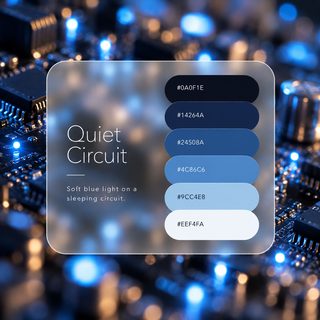
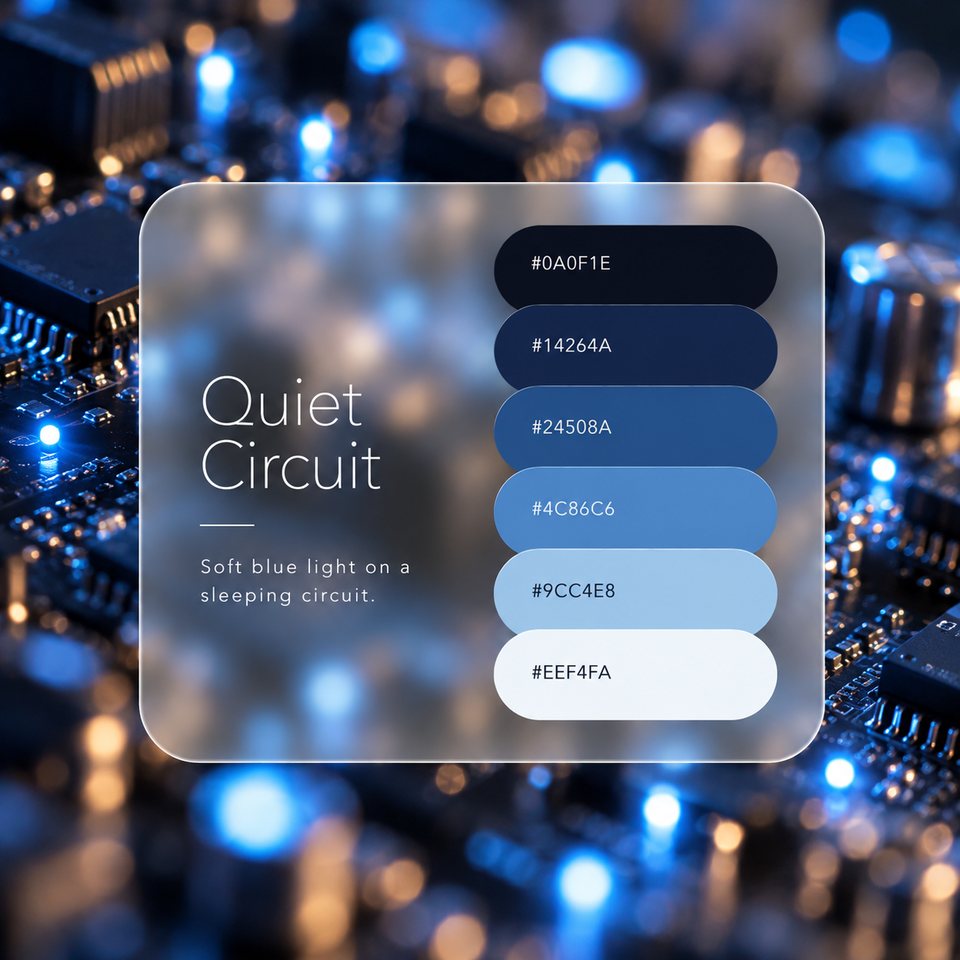
A dark base, like a screen at night, is the foundation of an AI look. But pure #000000 tends to feel heavy, like a hole in the page. A black with a hint of blue, like #0A0F1E in Quiet Circuit, reads as a calm, deep space instead. When the base carries a trace of color, the light you place on it fits in naturally.
Hello, AI
ButtonHello, AI
ButtonChoose one color of light
A single small light glowing in the dark makes a screen feel like it's quietly thinking. In Quiet Circuit, that's #4C86C6. On the darkest color, #0A0F1E, the contrast ratio is 5.03:1, which meets the guideline for body text (4.5:1).
On the next surface up, #14264A, it drops to 3.94:1, which isn't enough for body text. That pairing is safer for large text such as headings (3:1 or more). The same light plays a different role depending on where you place it.
There's more than one AI light
Midnight Server places amber, #E0A458, in a navy darkness. On #080B12 it reaches 9.02:1. One warm, almost hand-made color inside a cool screen softens the whole impression.
Signal Dawn uses a dawn coral, #D07A6A (5.73:1 on #1A1420), and Algorithm Garden a leaf green, #6FA06E (5.90:1 on #0E1A12). Both meet the body text guideline on their dark bases while telling a different story from blue.
Wide darkness, a little light
As a starting point, use the darkest color for about 60% of the page as the base, the next two colors for about 30% as surfaces and dividers, and a light color for about 10% as text. Keep the light color for buttons and status indicators, used sparingly. Spread it too wide, and it stops being a glow and becomes floodlight.
A common mistake, and the fix
On a light page, it's tempting to use the light color as text. Quiet Circuit's #4C86C6 on #EEF4FA is 3.43:1, not enough for body text. Switching to the deeper #24508A brings it to 7.32:1, and the text becomes much easier to read.
The same thing happens in Neural Bloom. #8A72D1 text on the purple surface #2E2257 is 3.65:1. Switching to the lighter #C6B8F0 makes it 7.77:1.
Rather than using the light color as text, choose a color from the same family with a different lightness. That one change improves readability while keeping the mood.
Hello, AI
Hello, AI
Hello, AI
Hello, AI
An AI feel doesn't come from one particular color, but from the distance between darkness and light. Each of the ten palettes in the AI series has its own color of light. If one catches your eye, open its palette page and try the CSS or tokens.